BabyLog
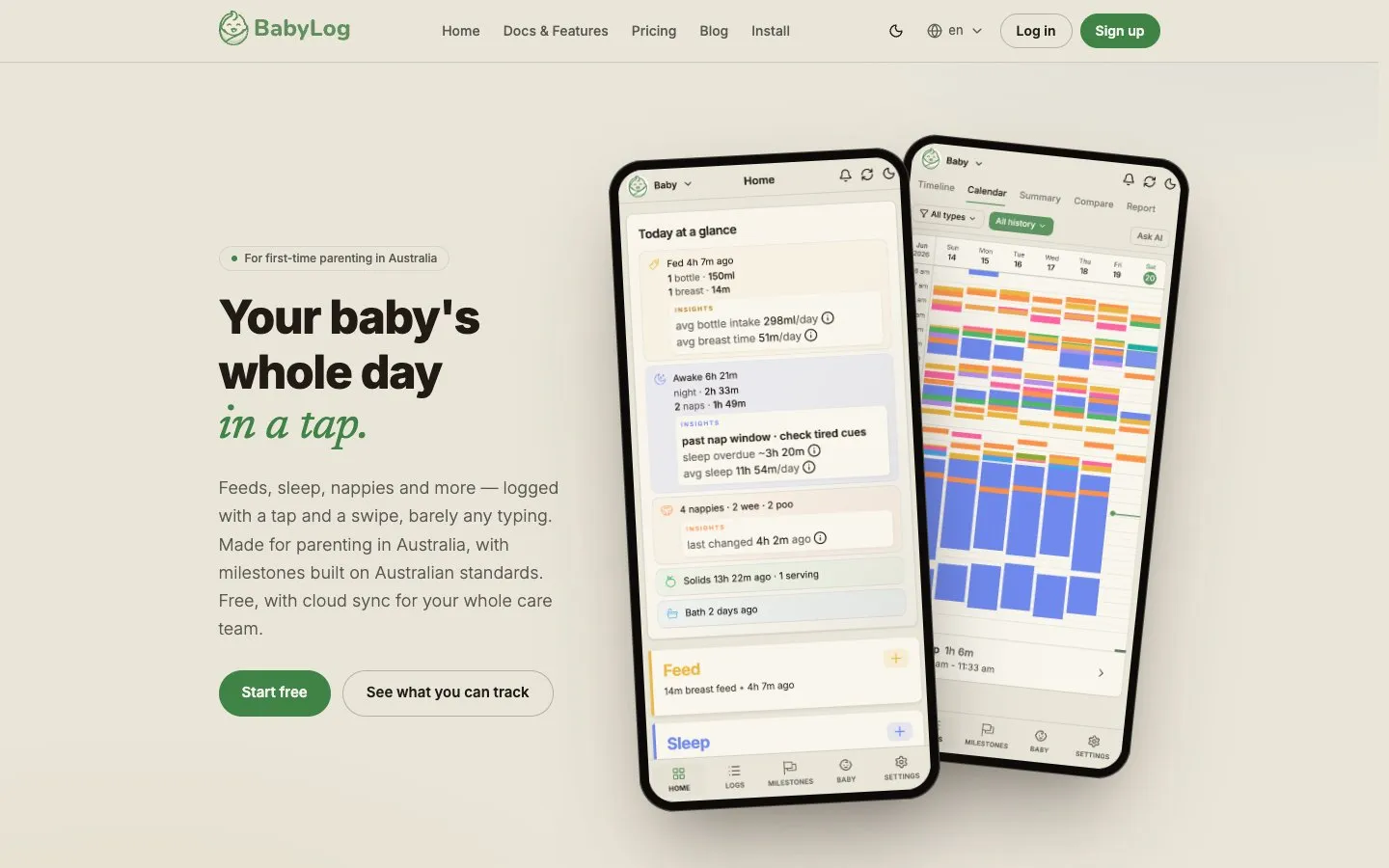
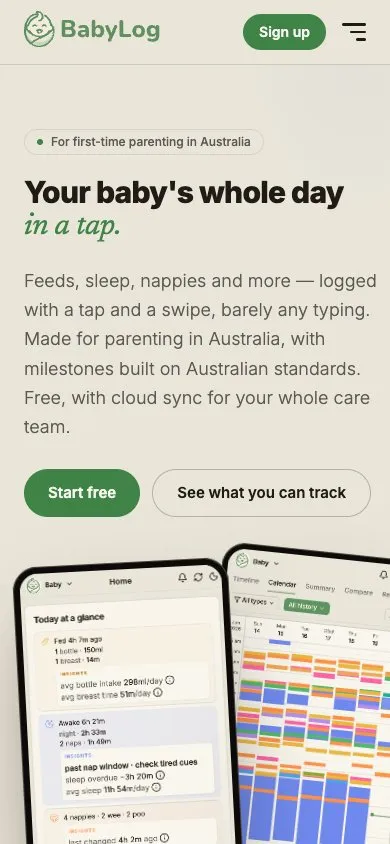
A baby-tracking app we designed and built in-house: a PWA that installs from the browser on Android and iPhone, and a native app on the iOS App Store. Your baby's whole day logged in a tap, synced across the care team in six languages, fully usable offline.
The brief
New parents are sleep-deprived, one-handed and rarely in a position to fuss with a fiddly app. The brief was a baby tracker that gets out of the way: feeds, sleep, nappies and more logged with a tap and a swipe, barely any typing — even at 3am with no signal. Made for parenting in Australia, and a real product we own end to end — designed, built and shipped by Binary Top rather than a client handoff.
What we built
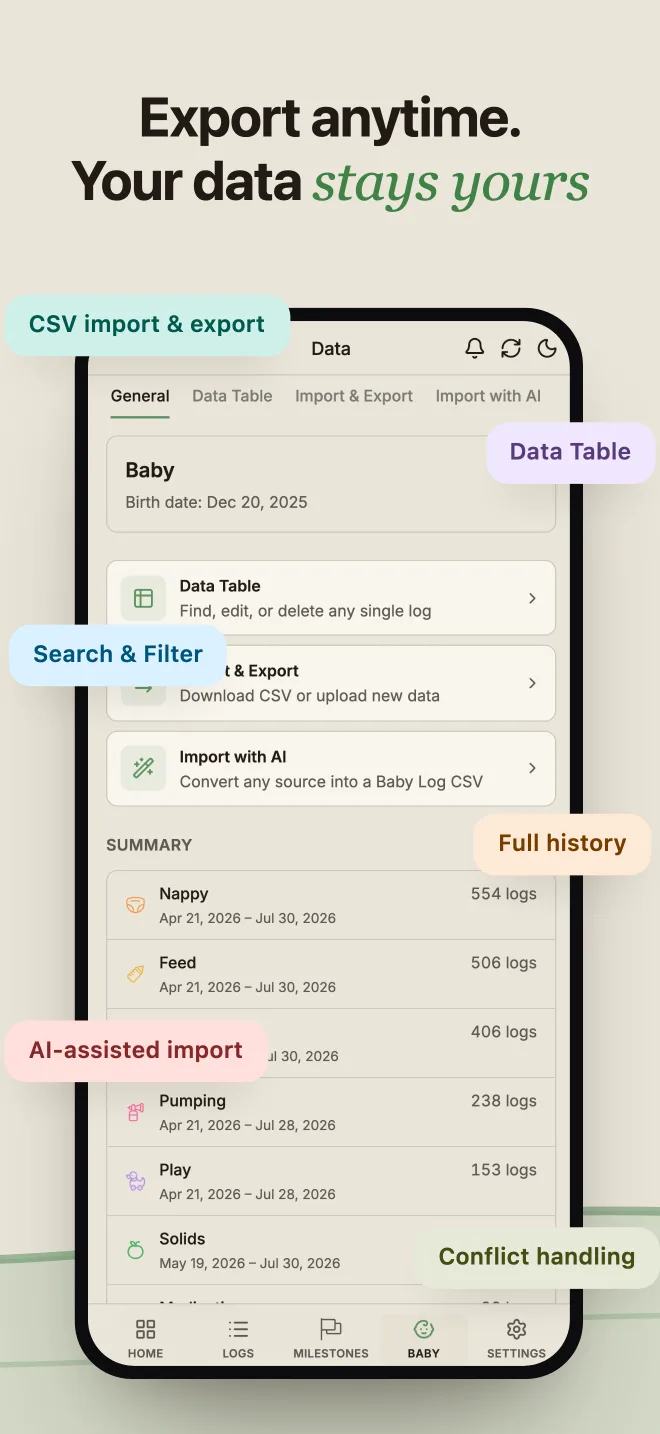
BabyLog is an offline-first progressive web app that installs straight to the home screen on Android and iPhone. The same codebase, wrapped by Capacitor, is a native app on the iOS App Store with push notifications and in-app subscriptions. One build serves every device, so there is no second team. It is written to the device first (Dexie/IndexedDB) and syncs in the background, so it stays instant in a nursery with no signal and reconciles when the phone comes back. Under the hood it's a true SaaS built from scratch: Clerk auth, Neon Postgres, Stripe and RevenueCat subscriptions, PostHog analytics, Sentry monitoring, and CSV export with no paywall because the data belongs to the parent. The detail of what it actually does is below.
The result
BabyLog is live as a PWA on Android and iPhone and as a native app on the iOS App Store in Australia and New Zealand, free for daily tracking, with a 14-day trial of everything and a Pro tier for longer history, comparisons and shareable reports. Six months of product work — 200,000+ lines of TypeScript, 2,000+ commits, 2,000+ unit tests and 100+ Playwright end-to-end tests — and within months of launch it was ranking top-3 on Google for 'baby tracker app australia' and winning comparison searches against established trackers. It's proof we can take an idea from blank page to a polished, multilingual SaaS product on both web and iOS — not just deliver client sites.
Twelve log types, one motion
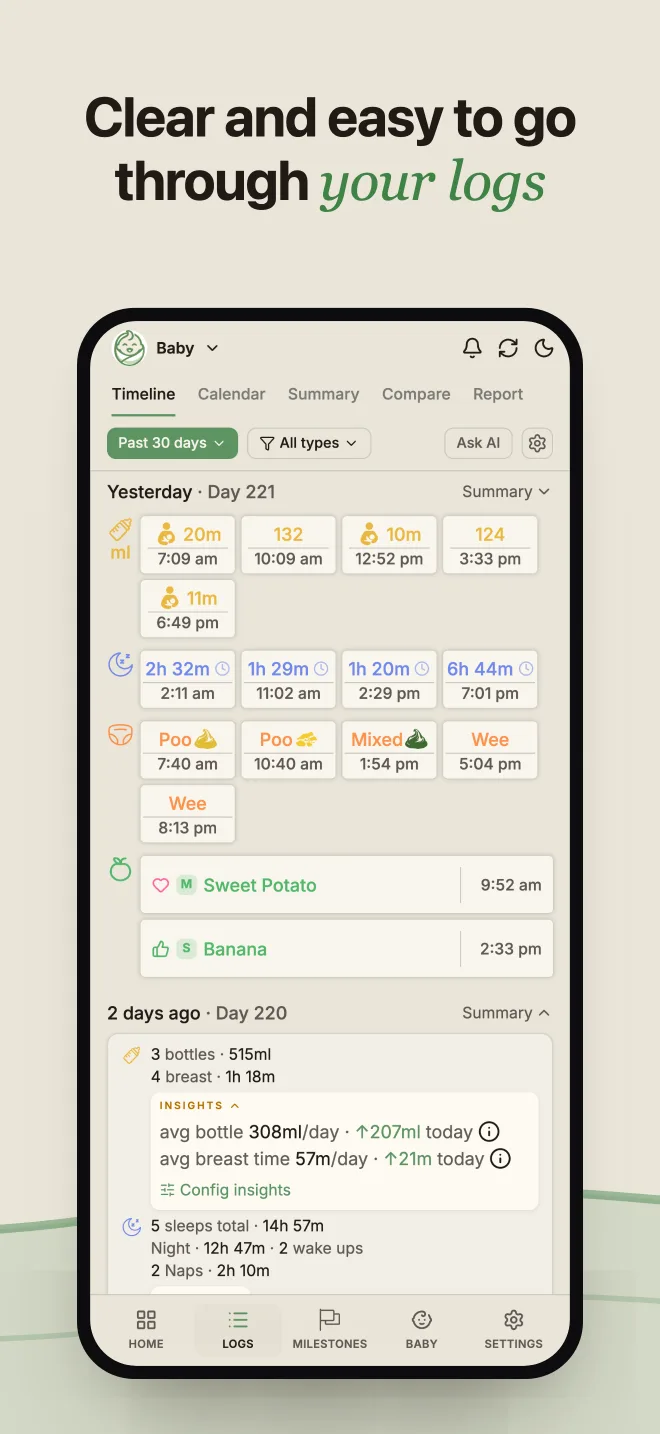
Breastfeeding with side and duration, bottles, pumping, sleep and naps, nappies, solids, growth, medication, temperature, symptoms, baths, play and notes. Each is a tap and a swipe on smart defaults — no typing, no forms, and a time slider to backdate an entry you forgot. The same few gestures every time, so logging becomes muscle memory at 3am.
Four ways to read the day
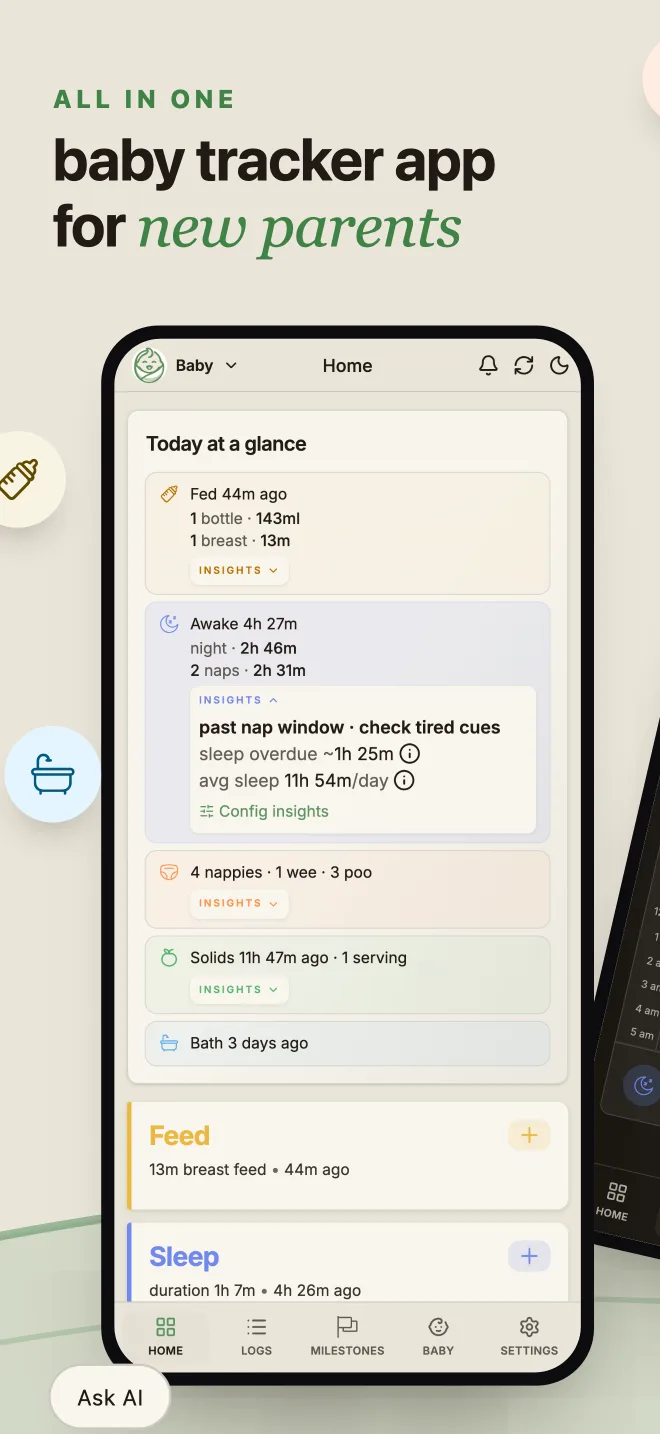
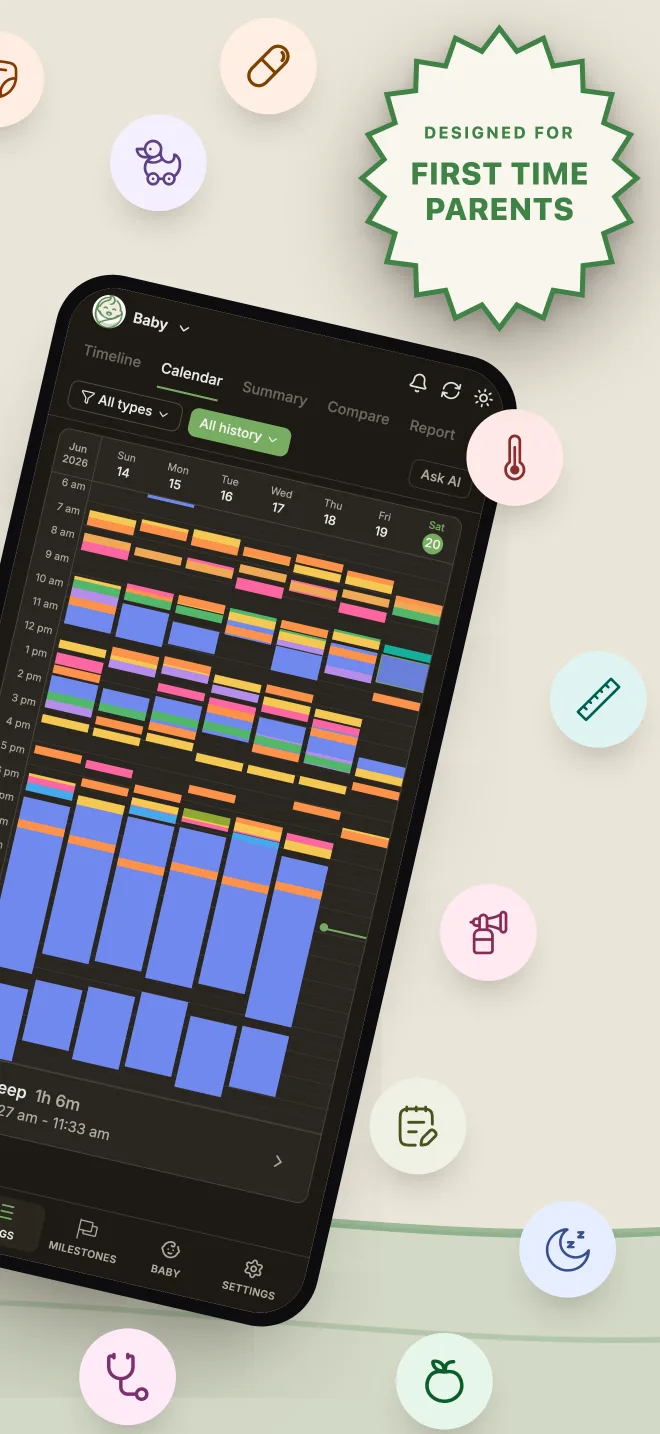
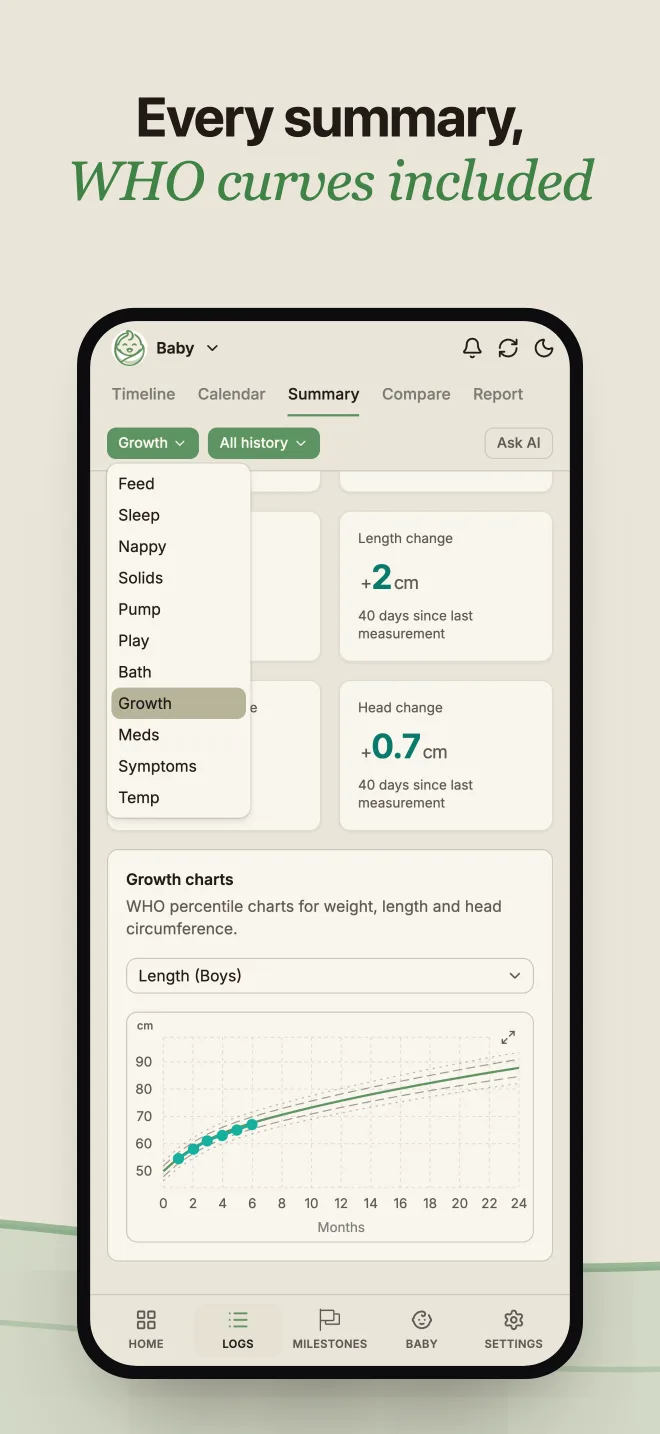
Timeline, Calendar and Summary views, plus a comparison mode that puts any two periods or ages side by side. Growth plots against WHO percentiles. A "Today at a glance" card sits at the top of the home screen so a tired parent gets the answer without navigating anywhere.
Built for Australia, not adapted to it
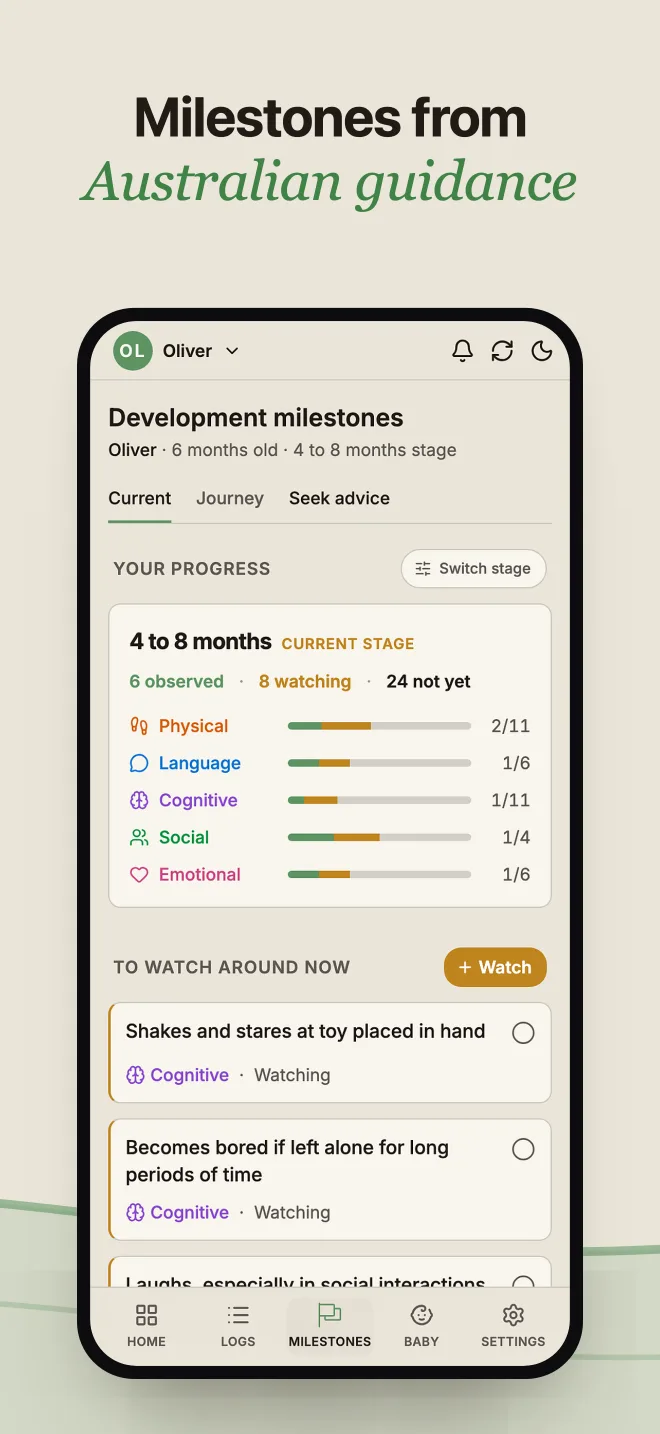
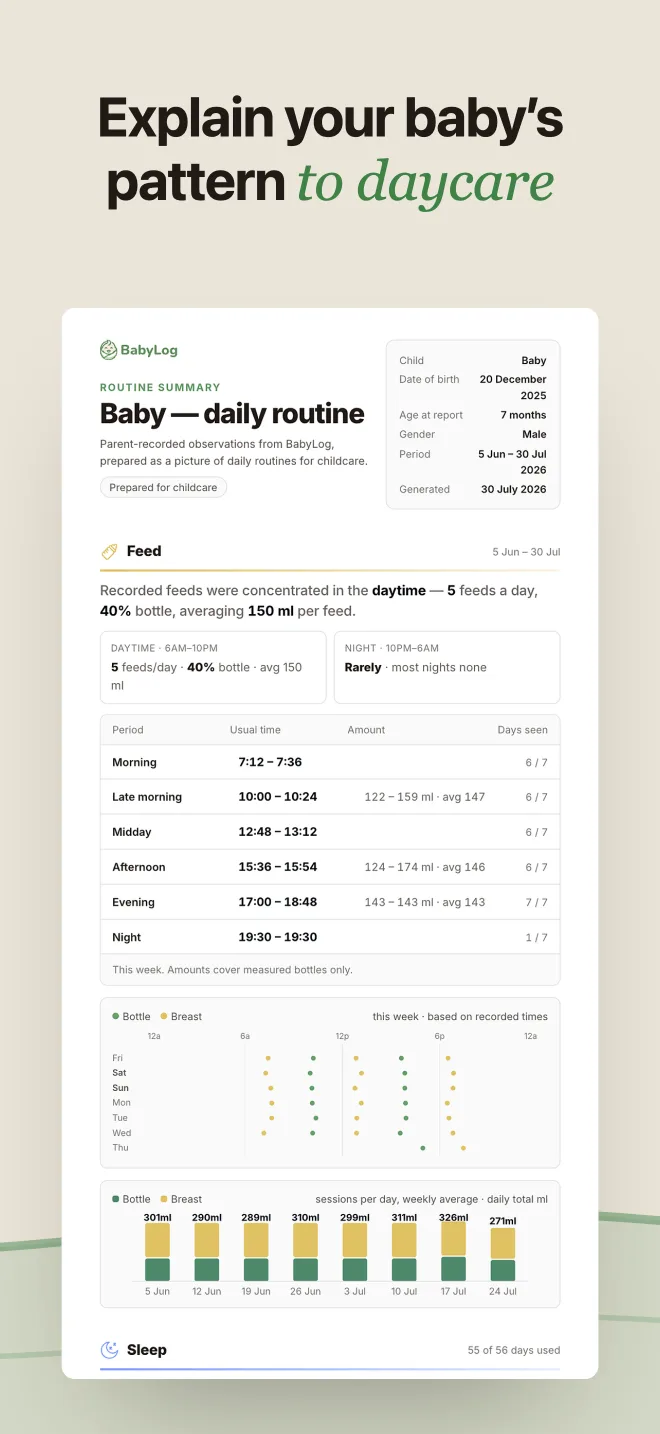
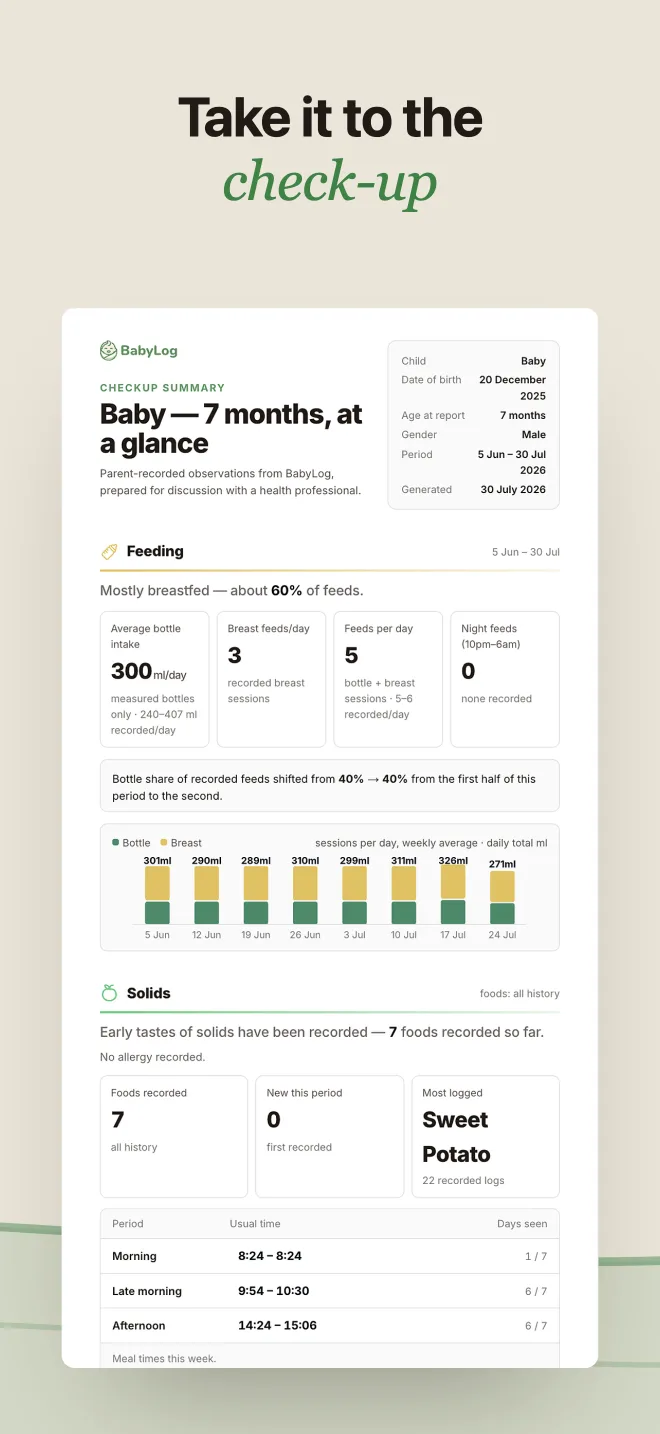
Developmental milestones follow ACECQA's EYLF/NQS standards rather than an overseas equivalent, and the health information comes from Australian sources. Checkup reports generate a quality-checked PDF — growth, feeding, sleep, milestones — timed to the Australian child-health visit schedule and shared with a nurse or GP through a private link and a six-digit code.
Insights, not just numbers
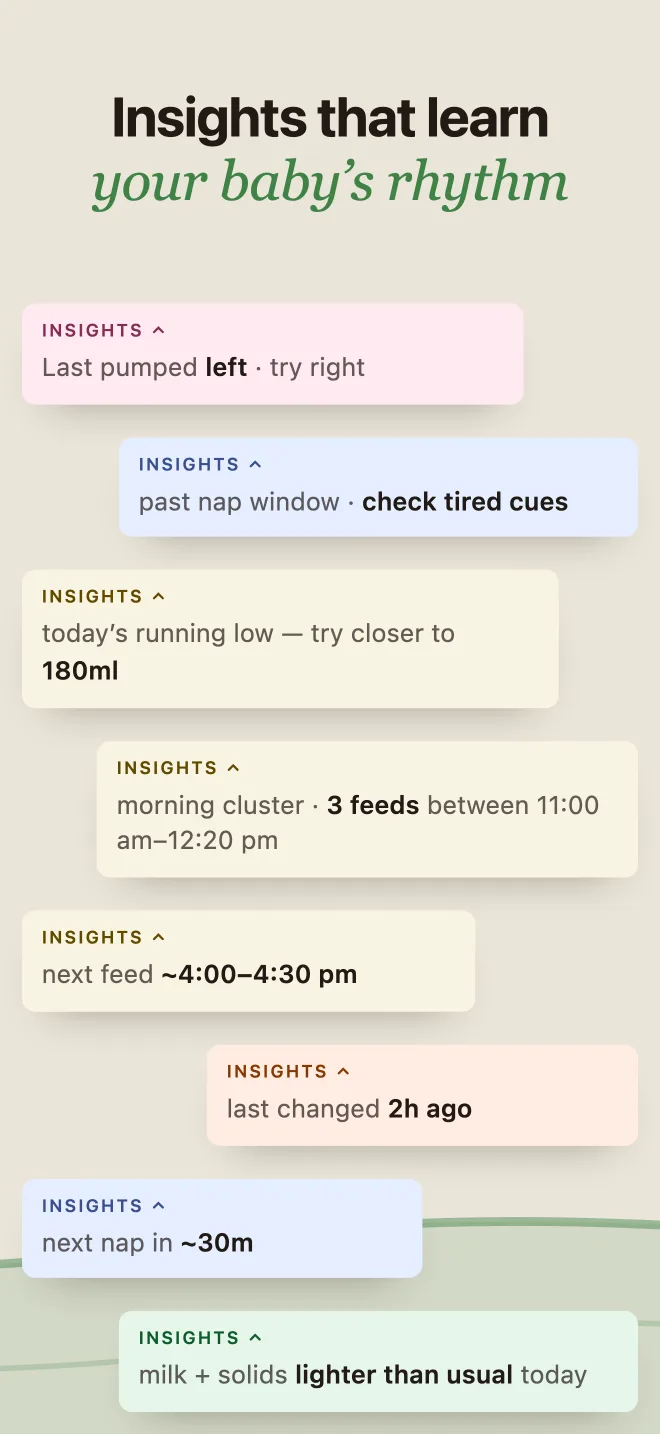
The app reads patterns rather than only recording them: which side to start on next, and when the next feed is likely due based on the baby's usual gaps and age. Optional reminders nudge at those moments. Ask AI turns recent logs into a ready-to-paste prompt for ChatGPT, Claude, Gemini or Grok — the parent chooses what gets shared.
The whole care team, in their own language
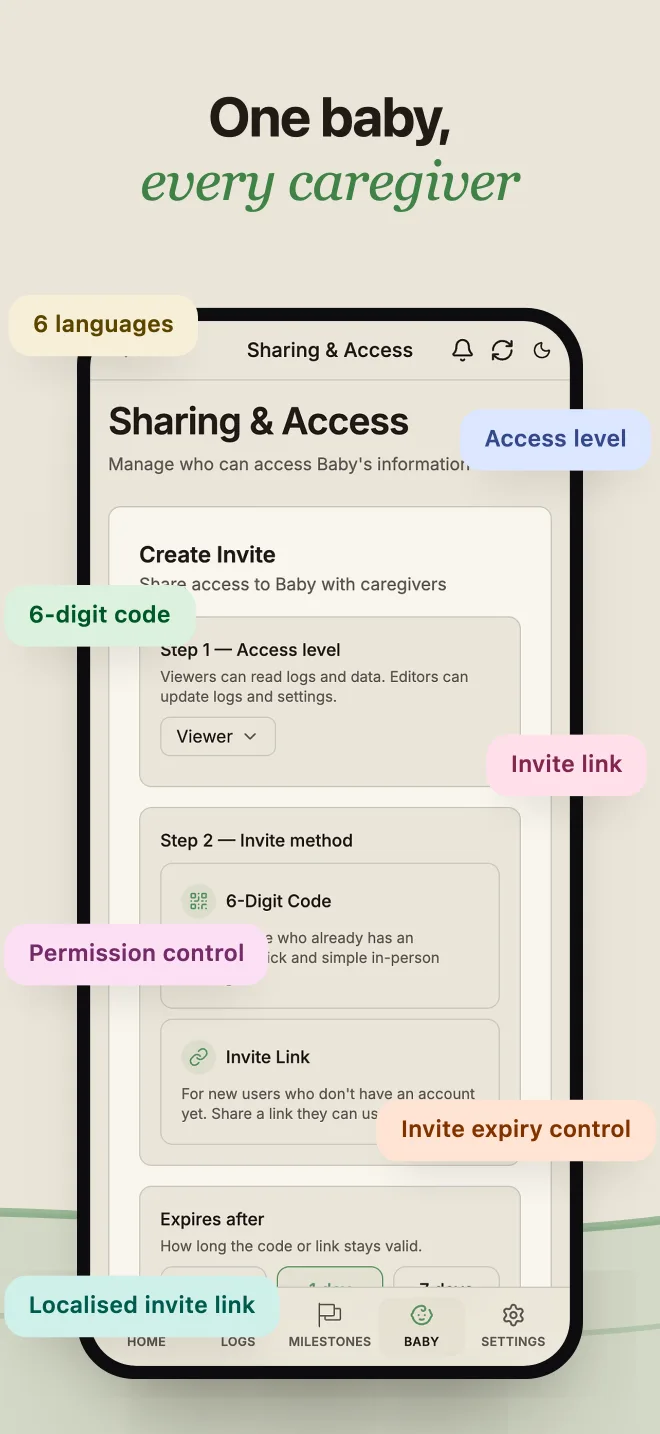
A six-digit code brings a partner, grandparent or nanny in within seconds, with viewer or editor roles, all logging against the same baby. The interface runs in the six most spoken languages in Australia — English, Mandarin, Cantonese, Arabic, Vietnamese and Hindi — so a grandparent who doesn't read English can still take a shift.
Designed for tired eyes
A calm green palette chosen for readability over brightness, bold numbers, short labels and generous spacing. One-handed operation with left- and right-hand modes and a dark mode, because the other hand is holding a baby.
Dave's Noodles
Got a project?
Let's talk.
Tell us what you're building. We'll tell you, honestly, how we'd ship it.