PWA or native app: what should a Hobart startup build first?
Most Hobart startups should build a progressive web app (PWA) first. One codebase installs from the browser, works offline and reaches iPhone and Android users sooner than two native apps. Build native first only if the product depends on Bluetooth, NFC or reliable background tasks. When the iOS App Store matters, the same PWA can be wrapped and published there.
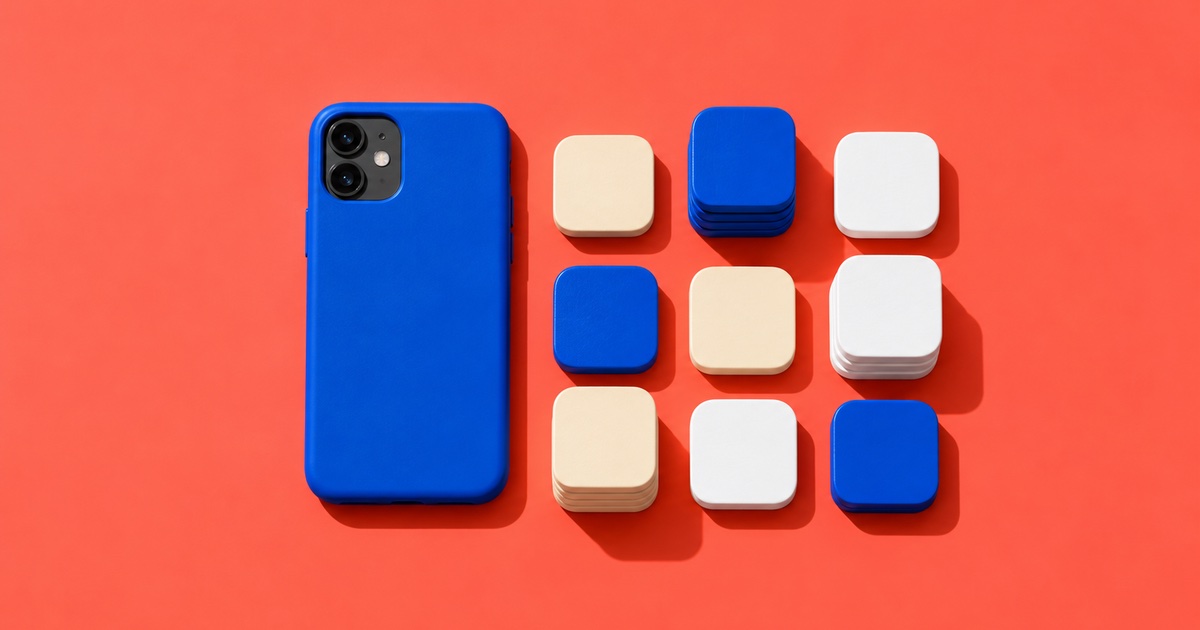
PWA or native app first?
For app development in Hobart, the first call is usually the platform: a progressive web app that runs in the browser and installs to the home screen, or a native app built separately for iPhone and Android. For most first versions, the PWA wins. It ships one product to every device, and real users can try it while a native build would still be in progress.
The question gets harder once the product needs something a phone browser won't give it. The sections below set out what a PWA can and can't do on an iPhone in October 2026, the middle path that puts one codebase in the iOS App Store, and the cases where native first is the right call.
What a progressive web app is, in plain terms
A progressive web app is a website built to behave like an installed app. MDN's guide to progressive web apps describes one codebase that runs on many devices, installs on the device, works offline and can integrate with the phone.
- It installs from the browser. Once installed, a PWA gets an icon on the home screen or app launcher, according to Google's web.dev course.
- It works offline. Data can be written to the device first and synced when the signal comes back.
- Updates ship straight away. web.dev notes there is no packaging, no extra content review and no delay on updates. You deploy, and there is no store release to wait for.
- It has a web address. Every screen can have a URL that people share and search engines can find.
PWA and native app side by side
On most of what a first version needs, a PWA matches a native app. The gaps sit in device hardware and background work on iPhone.
| PWA | Native app | |
|---|---|---|
| How it installs | From the browser, no store | From the iOS App Store or Google Play |
| Offline use | Yes, if built for it | Yes |
| Push on iPhone | Yes, once added to the Home Screen | Yes |
| Bluetooth and NFC on iPhone | No | Yes |
| iOS App Store listing | Only when wrapped | Yes |
| How updates ship | Deploy and it's live | Through store review |
| Codebases to maintain | One | One per platform |
| Found on Google | Yes, every page has a URL | Through the store listing |
What a PWA still can't do on an iPhone (October 2026)
Apple's browser engine decides what a PWA can do on an iPhone, and that can change with each iOS release. These limits were current in October 2026.
- Push needs the Home Screen. iOS 16.4 added web push for web apps that have been added to the Home Screen, and the permission request has to follow a tap, per WebKit's announcement. A visitor who never installs the app never gets a notification.
- No Bluetooth. Can I use lists Web Bluetooth as unsupported in every version of Safari on iOS.
- No NFC. Web NFC is also unsupported on iOS. Chrome for Android supports it.
- No Background Sync API. Safari on iOS doesn't support Background Sync, so an iPhone PWA syncs while it is open.
- Every browser shares the engine. Apple's App Review Guideline 2.5.6 requires apps that browse the web to use WebKit, with alternative engines allowed by entitlement in the EU and Japan. Installing another browser on an Australian iPhone doesn't lift these limits.
The third path: one PWA codebase, wrapped for the iOS App Store
A PWA can also be listed in app stores. web.dev calls the stores an optional distribution channel for a PWA, with each store's rules still applying. For the iOS App Store, the usual route is a native wrapper around the same web code.
Capacitor is the wrapper our developers use. It runs a web app inside a native iOS or Android shell and gives it access to native SDKs through plugins. Its push notifications plugin uses Apple's own push service on iOS, so notifications work without the Home Screen step.
The wrapped app still has to earn its place. App Review Guideline 4.2 asks for features, content and UI that lift an app above a repackaged website. Plan for the wrapped PWA to add native value people use, such as push notifications, offline data and a proper sign-in.
How BabyLog was built this way
BabyLog is Binary Top's own product, a baby tracker for Australian parents. It is an offline-first PWA: every feed, sleep and nappy is written to the phone first and synced when the signal comes back, so it works in a nursery with no signal. The same codebase is wrapped by Capacitor into a native iOS app with push notifications.
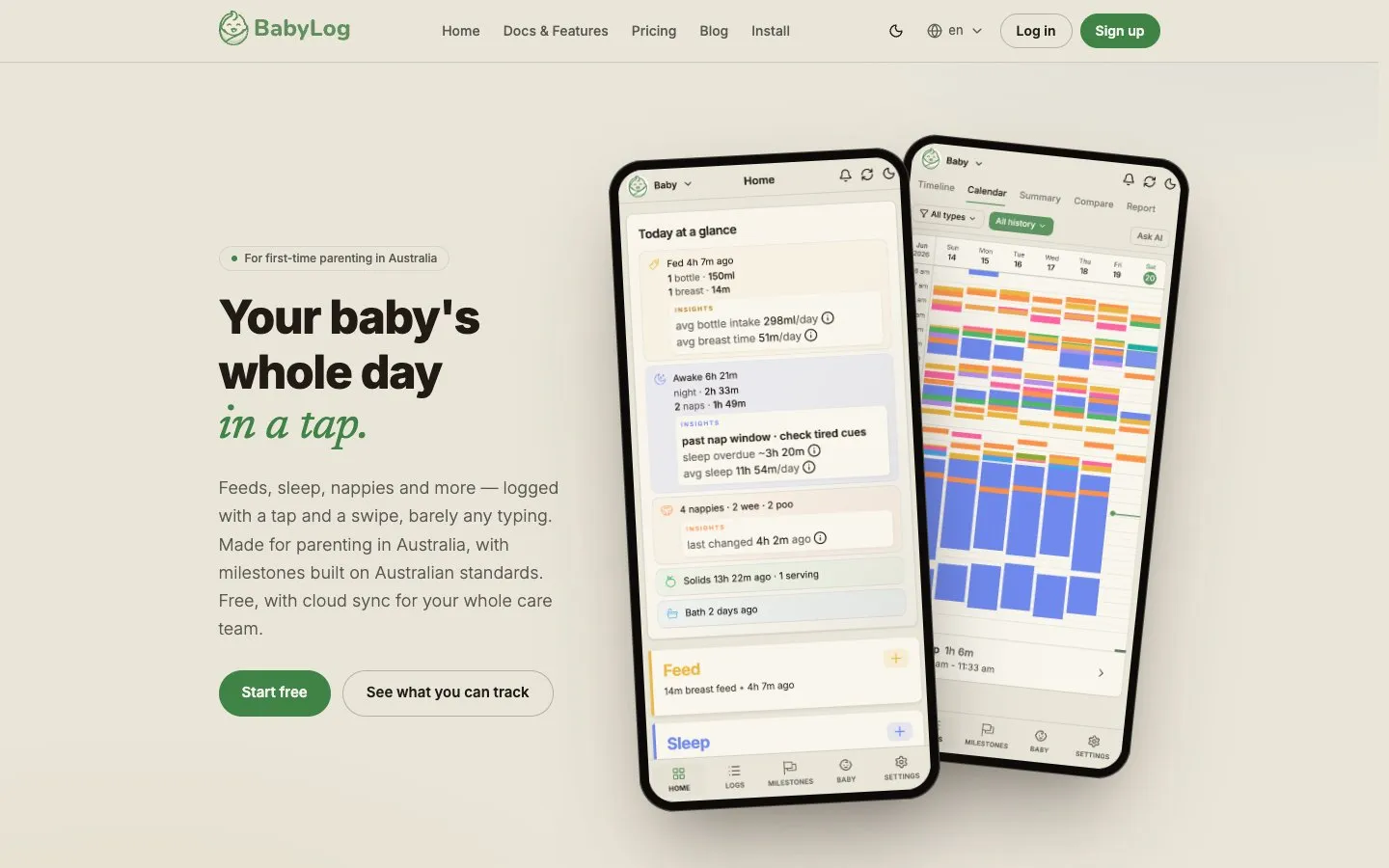
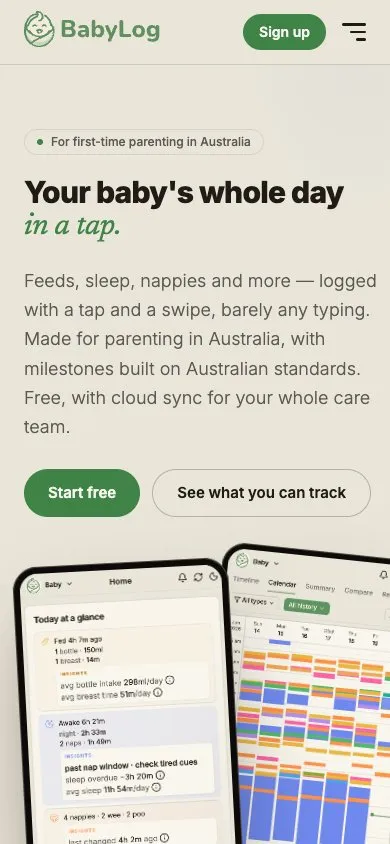
Top 3 Google — 'baby tracker app australia' · Read the BabyLog case study
One build covers the web and the iOS App Store, with Clerk sign-in, Neon Postgres, and Stripe and RevenueCat subscriptions. It runs to over 200,000 lines of TypeScript, 2,000+ unit tests and 100+ Playwright end-to-end tests. The BabyLog case study shows the iOS App Store screens.
BabyLog's store app is on the iOS App Store today, and Android users install the PWA. The same codebase can launch on Google Play through Capacitor's Android shell when the product calls for it.
When native first is the right call
Build native first when the core of the product depends on something an iPhone browser blocks. If one of these is true, start native:
- It talks to hardware. A fitness band, a scanner, a lock or a tag reader over Bluetooth or NFC.
- It has to sync while closed. Safari on iOS has no Background Sync, so an iPhone PWA only syncs while it is open.
- Every user needs alerts from day one. An iPhone PWA can only ask for push once it is on the Home Screen. A store app skips that step.
If none of these is true, a PWA first keeps one codebase to pay for while you learn what users want. The wrapped store app can come later from the same code.
What to have ready before you brief an app build in Tasmania
An app quote is only as good as the scope behind it. Before you talk to any studio, write down:
- Who uses it. Customers, staff or both, and on which devices.
- The device features you can't launch without. Push, camera, location, Bluetooth or offline use. This list decides PWA or native.
- How it earns money. Subscriptions, one-off payments, or a tool your business runs on.
- Whether the iOS App Store matters at launch. A home-screen install may be enough for the first users.
- What it connects to. Booking, payment or practice systems you already pay for.
Binary Top's price ladder lists Web apps, SaaS & mobile as 'Contact us'. Every app build is quoted on the brief and starts with a technical scope. The senior developers who scope your app are the ones who write its code, and they stay close after launch as usage comes in. If you have an app in mind, tell us what you're building.
Published prices for websites are on the price ladder on the home page, and the services page sets out how every build is quoted and scoped. For website budgets, see how much a website costs in Hobart.
- MDN: Progressive web apps, checked October 2026
- web.dev: Progressive Web Apps (Learn PWA), checked October 2026
- WebKit: Web Push for Web Apps on iOS and iPadOS, checked October 2026
- Can I use: Web Bluetooth, checked October 2026
- Can I use: Web NFC, checked October 2026
- Can I use: Background Sync API, checked October 2026
- Apple: App Review Guidelines (2.5.6 and 4.2), checked October 2026
- Capacitor documentation, checked October 2026
- Capacitor: Push Notifications plugin, checked October 2026
Common questions
How much does a website cost in Hobart?
Got a project?
Let's talk.
Tell us what you're building. We'll tell you, honestly, how we'd ship it.