Rebuilding your website without losing Google rankings: a Hobart guide
A Hobart business keeps its Google rankings through a website rebuild by keeping the URLs that earn traffic, sending every changed URL to its new page with a permanent 301 redirect, carrying over the titles and copy that rank, and watching Search Console after launch. Google says visibility can fluctuate for a few weeks while it recrawls.
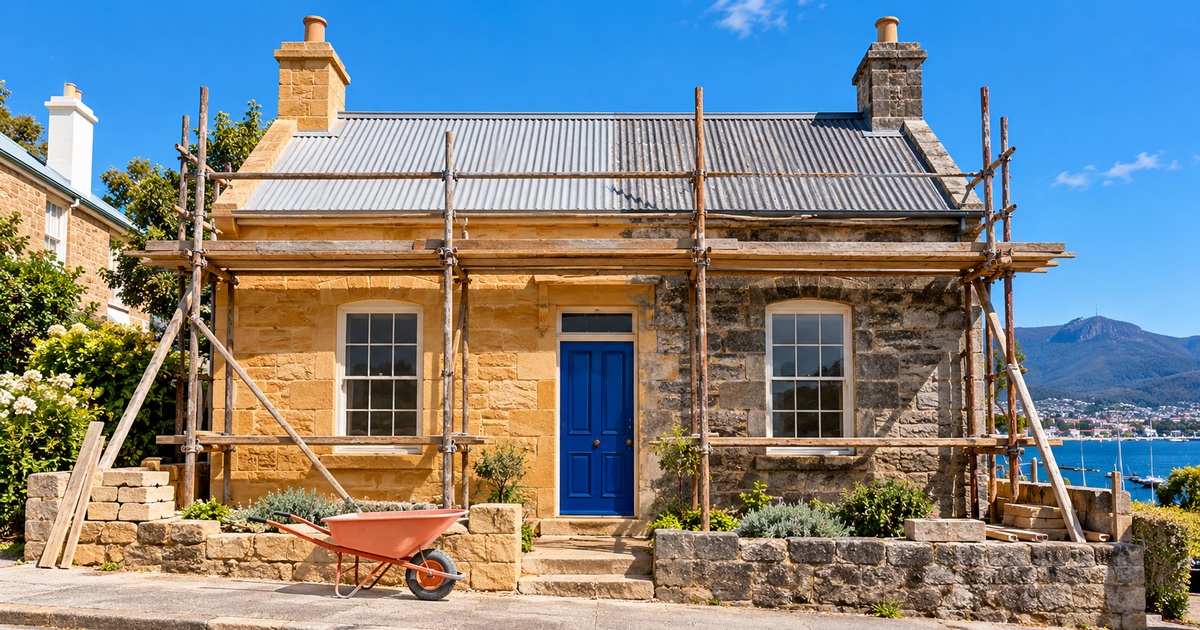
Refresh, redesign or rebuild: what each one changes
A rebuild replaces the code and usually the content system underneath a site. A refresh changes how the site looks, and a redesign changes its layout and structure. The bigger the change, the more URLs move, and moved URLs are where a rebuild puts rankings at risk.
| Change | What it changes | URLs | Risk to rankings |
|---|---|---|---|
| Refresh | Colours, type and images | Stay the same | Low |
| Redesign | Layout, navigation and page structure | Some pages merge or move | Medium, on the pages that move |
| Rebuild | The code, the content system and often every page | Many can change | Highest, until the redirect map is done |
Rebuild when the problem sits in the code or the content system. Five signs point that way.
- It is slow on phones. The Core Web Vitals report in Google Search Console groups your URLs as Good, Need improvement or Poor from real visitor data, with mobile and desktop shown separately.
- Your staff can't update it. Every menu change or new page waits on someone outside the business.
- It needs live data. Someone retypes bookings, stock or opening hours from another system, and the copies drift.
- The business has moved on. New services, new locations or a new brand that the old site structure can't hold.
- Search can't read it clearly. No structured data telling Google, and the AI answers built on search, what the business is, where it trades and when it opens.
When a rebuild won't fix the problem
A new site won't fix an offer nobody searches for, pages that don't answer customers' questions or an empty Google Business Profile. Check those three first, because each costs less to fix than a rebuild.
- The Google Business Profile. For a Hobart shop, clinic or cafe, the profile drives the map results in local searches. It is free, and you set it up yourself: categories, service areas, hours, photos and reviews. Binary Top tells you what to put in it and never sells or manages it.
- The content. If the pages don't answer what customers ask, a faster site loads the same unanswered pages.
- Speed on its own. Large images, heavy scripts and slow hosting can often be fixed on the site you already have. A performance analysis tells you whether they can before you commit to a rebuild.
How to keep your Google rankings through a rebuild
Google's guide to moving a site sets the order: map every old URL to its new one, redirect the old URLs with permanent server-side redirects, then watch Search Console while Google recrawls. Here are the steps in full.
| Step | What to do | Why |
|---|---|---|
| 1. Record a baseline | Export the Search Console Performance report: clicks, impressions, click-through rate and position for each page and query. | It shows which pages earn traffic, and gives you numbers to compare after launch. |
| 2. List every URL | Start from the sitemap, then add the pages that get the most traffic and the pages other sites link to. | Google's guide names sitemaps, analytics, server logs and the Links report in Search Console as sources for the list. |
| 3. Keep the URLs that work | Where the new site has the same page, give it the same address. | A URL that doesn't change needs no redirect. |
| 4. Write the redirect map | Pair each old URL that changes with its closest new page. Avoid chains of redirects, and don't point everything at the home page. | Google warns against redirecting many old URLs to one irrelevant page, such as the new home page. |
| 5. Use 301 redirects | Set the redirects up on the server as permanent, and keep them for at least a year. | Google treats a permanent redirect as a signal that the new page is the one to show in its results. |
| 6. Carry titles and copy across | Move each page's title, meta description, headings and the copy that ranks. Move the structured data too. | The title element is one of the sources Google uses to write the title link in its results. |
| 7. Check staging isn't blocking Google | A staging site is usually set to noindex. Make sure that setting is gone on launch day. | Google drops a noindexed page from its results entirely. |
| 8. Submit the new sitemap | Add it in the Sitemaps report in Search Console. | A sitemap helps Google find the moved URLs, though Google calls it a hint with no guarantee. |
| 9. Watch Search Console | Compare clicks and indexed pages against the baseline each week, and fix any 404 a redirect missed. | Google says most pages on a small to medium site move within a few weeks, and visibility may fluctuate while they do. |
Keep the domain during a rebuild if you can. Google's guide advises making site changes one after the other, such as moving to a new domain first and changing the layout after.
Dave's Noodles: our first site, rebuilt seven years on
Dave's Noodles was the first website Binary Top shipped, in 2018, for a Hobart noodle bar that now runs seven branches from Kingston to Launceston. It is the longest client relationship we have.
In 2025, seven years on, our developers rebuilt the site from scratch as a Nuxt front end on Craft CMS. The brief was to keep everything that worked and modernise everything that didn't.
Two changes carry most of the rebuild. The owners now manage the menu themselves in Craft CMS, with every dish tagged by noodle, protein, vegetable, flavour and spice level so customers can filter it. The locations page reads each branch's hours from its Google Business Profile, so the owners update Google once and the website follows.
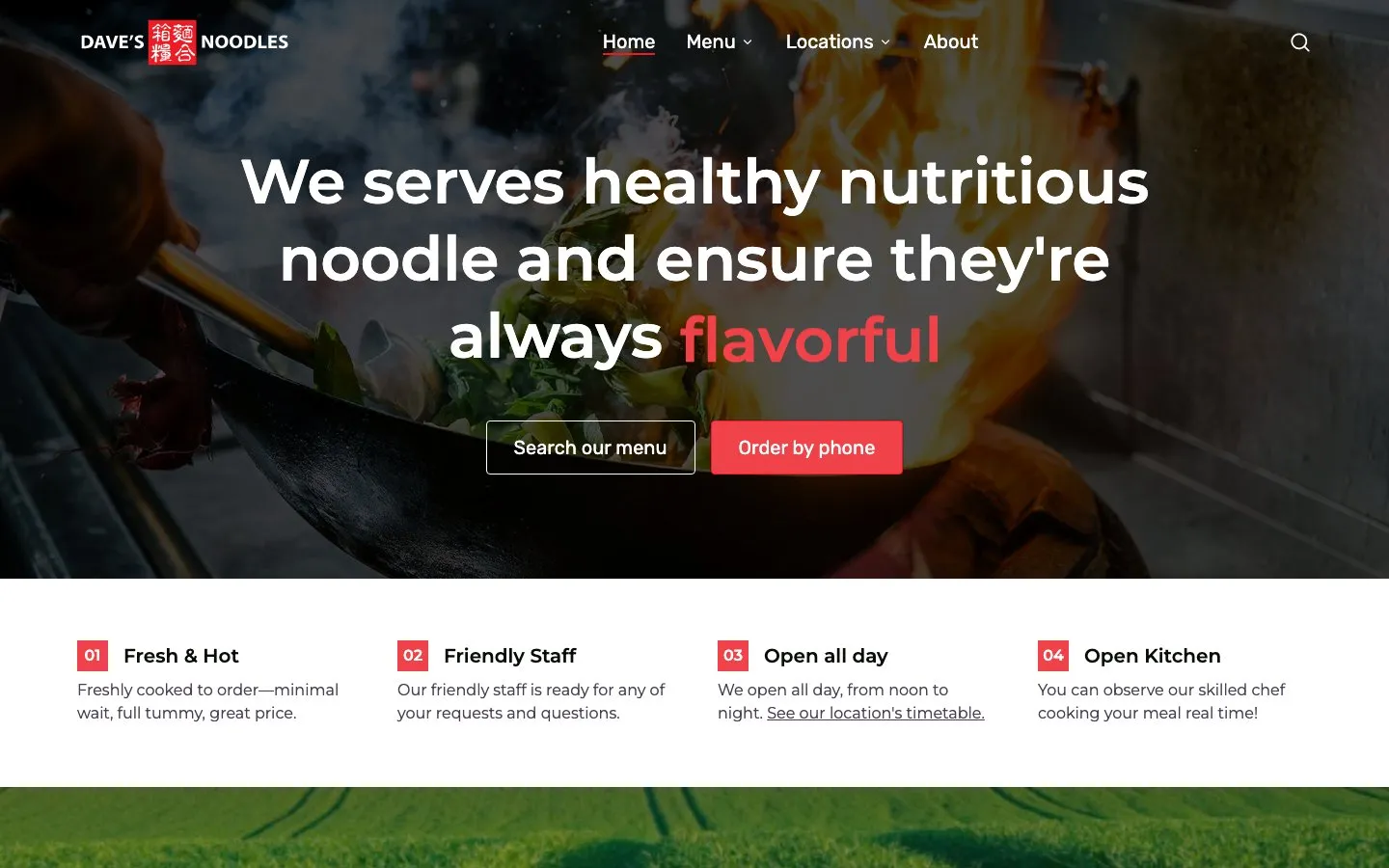

4.2k search clicks · 3 months · Read the Dave's Noodles case study
Search Console records 4.2k search clicks for the site in the three months to October 2026, at an 11.8% average click-through rate and an average position of 7.4. The Dave's Noodles case study shows the menu filters and the locations map in full.
What a website rebuild costs in Tasmania
Binary Top quotes every rebuild as a fixed price before work starts. The rebuilt site lands on one of the same build types as a new site, and most have a published floor: the least that kind of build costs, before hosting, domains and later changes.
| Build | Starts at | Fits when | Built example |
|---|---|---|---|
| Static websites | From $800 | The site rarely changes, and you're happy for us to make content changes. Still many pages, fully responsive, with a lead form. | Westbrook Residence, a Bellerive Bluff townhouse development (2024) |
| CMS websites | From $2,500 | Your team publishes and edits the site itself, or content repeats across many pages. | @Rice, a Lauderdale restaurant (2021) |
| Integrated CMS & e-commerce | From $8,000 | The site shows live data from systems you already run: bookings, branch hours, property feeds or stock. | Dave's Noodles, rebuilt with the menu in Craft CMS and hours from Google (2018) |
| Web apps, SaaS & mobile | Contact us | People sign up and log in. Progressive web apps, iOS App Store and Google Play. | BabyLog, Binary Top's own product (2026) |
Most rebuilds sit between two rows, and the quote follows your brief. The running costs after launch are set out in what a website costs in Hobart.
Before you commit, a standalone performance analysis or SEO keyword analysis shows what the current site does well and what a rebuild has to keep. Each lands as a plain-English report with a prioritised list of fixes, yours to keep whether we do the work or your current developer does. If you want one for your site, tell us about the site you have now.
Current Binary Top prices live on the home page.
- Google Search Central: Site moves with URL changes, checked October 2026
- Google Search Central: Redirects and Google Search, checked October 2026
- Google Search Central: Influencing your title links, checked October 2026
- Google Search Central: Block search indexing with noindex, checked October 2026
- Google Search Central: Build and submit a sitemap, checked October 2026
- Search Console Help: Performance report, checked October 2026
- Search Console Help: Core Web Vitals report, checked October 2026
Common questions
How much does a website cost in Hobart?
Got a project?
Let's talk.
Tell us what you're building. We'll tell you, honestly, how we'd ship it.